
Data Analytics with AI

Learn how to use AI to collect and manage data smartly. Our Data Analytics course at Utkaarsh Education helps you clean‚ analyse‚ and interpret data using modern tools‚ uncover meaningful patterns‚ and generate insights quickly․ Build practical skills that support better decision-making and help you solve real-world business problems with confidence and efficiency.
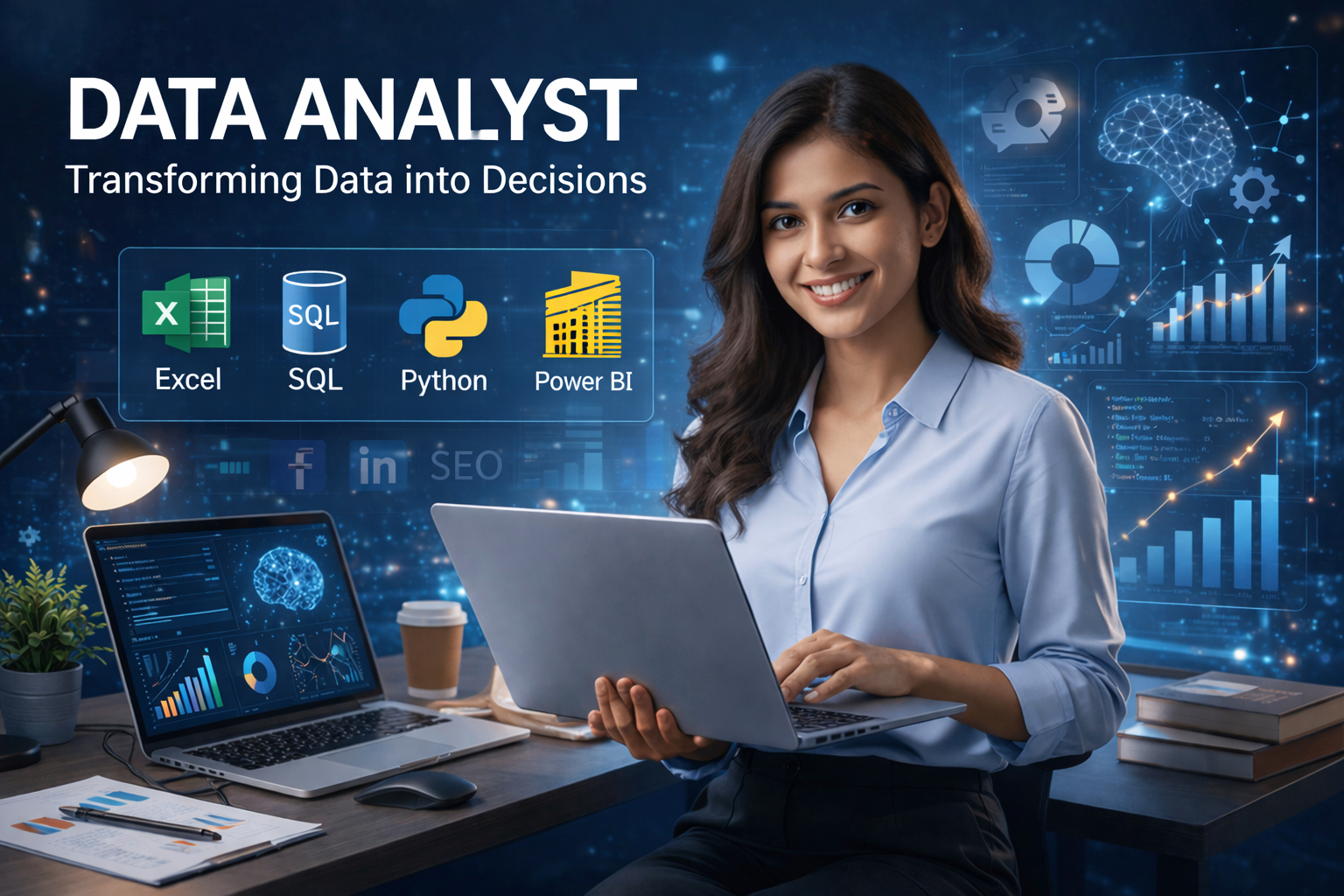
Data Analytics with AI

Course Overview

Becoming Job-ready with real skills, not just theory

Our Data Analytics with AI Course at Utkaarsh Education is all about actively working on data analysis with actual datasets. It helps learners to do data collection cleaning, analyzing, and visualization so that they can come up with data-driven insights.

Besides hands-on exposure to Excel analytics, participants will also be engaged in learning SQL querying, basics of Python for Data Analysis, and BI tools.

The course is delivered through instructor-led classroom training with placement support. It is suitable for students who desire to become Data Analysts, Business Analysts, or Reporting Analysts, with a good package.

What You Will Be Learning

Form your analytical skills by means of Excel, SQL and Python to solve real-life business challenges.
Various techniques for cleaning and structuring the data, so that you can analyse and come to derive actionable insights.
Learn to build reports, tables and interactive dashboards in order to facilitate decision-making with data.
Use the power of AI to automate the analysis process, discover patterns and predict trends more effectively.
Once you complete the course, you will come to make well-grounded decisions and improve business processes.

Why Choose Utkaarsh Education for Data Analytics?

  • Learning datasets using real case studies.
  • Understanding Excel, SQL, Power BI, and Python, using advanced AI tools.
  • Build job-ready dashboards and projects.
  • Understand how companies actually use data.
  • Get interview preparation and career guidance.

Industry-Recognized

Get certified with skills that employers actively seek

Expert Instructors

Learn from industry professionals with 10+ years experience

Hands-On Projects

Build real-world projects to strengthen your portfolio

Career Support

Get placement assistance and career guidance

Your Instructor

Utkarsh

10+ years

Hi everyone! I’m Utkarsh, and I teach Data Analytics using Excel, SQL, and Microsoft Power BI from b

Available Batches

Morning Batch

9:00 AM - 12:00 PM

Evening Batch

8:00 PM - 9:00 PM

What You'll Learn

Master in-demand data skills with our practical, industry-focused curriculum designed to get you job-ready.

Advance Excel

Work with data effectively by applying formulas, functions, pivot tables, dashboards & automation tools. Learn data cleaning, conditional formatting, and advanced Excel skills used in real time at work.

SQL

You will be able to analyze data by applying joins, aggregations, subqueries, and advanced concepts of SQL to solve business problems.

Power BI

Create dashboards and reports along with data modelling, DAX formulas, and visualisation techniques to present insights.

Python

Use Python to clean, analyze, and visualise data, automate tasks, and perform analysis way beyond Excel.

Statistics & Business Insights

Understand data using statistical concepts & learn how to turn numbers into meaningful business decisions.

Data Analytics With AI

Helping you to understand how to use AI tools to write formulas, generate SQL queries, make reports, and boost productivity.

Course Curriculum

A structured learning path designed to take you from basics to advanced topics.

Topics Covered:
  • Understanding the concept of Data Analyst, Business Analyst, and Data Scientist differences.
  • Cognition of business issues and conversion to data questions.
  • Data types that are unstructured, semi-structured, and structured.
  • Data visualization vs business intelligence vs data analysis.
  • Cleaning and preparation methods of data using real examples.
  • Data analytics tools that include Excel, SQL, Python, Power BI
  • Best practices in chart and data display
  • KPIs, metrics, and performance tracking

Topics Covered:
  • Formula building, operators, and referencing (absolute, relative, mixed).
  • Mathematical and comparison operators.
  • Text operations (LEFT, RIGHT, MID, LEN, TRIM, SUBSTITUTE, etc.)
  • Key Logical Functions in Excel (IF, IFS, AND, OR, XOR, SWITCH, IFERROR)
  • Lookup functions (VLOOKUP, XLOOKUP, INDEX, MATCH, OFFSET)
  • Statistical functions (COUNT, AVERAGE, MEDIAN, RANK, etc.)
  • Financial functions (PMT, NPER, FV, etc.)
  • Database functions (DSUM, DCOUNT, etc.)
  • Error handling (#DIV/0!, #N/A, #REF, etc.)
  • Dynamic calculations and array formulas.
  • Formulas: Certain complex formulas are constructed to address real life problems.
  • Usage of Name Manager to afford improved data handling.

Topics Covered:
  • Advanced Pivot tables (grouping, multi field settings)
  • Percentage analysis and calculated fields.
  • Slicers and interactive filtering.
  • Creation of dynamic dashboards.
  • Power Pivot data modeling
  • Manipulation of various data sources (Power Query, SQL Server, etc.)
  • MIS reports (daily, weekly, monthly business reports).
  • Graphs: column, line, pie, bar, scatter.
  • Elaborated charts: Pareto, waterfall, bubble, Gantt charts.
  • Sparklines and data visualization.

Topics Covered:
  • Dealing with duplicate data and missing data.
  • Data validation, text-to-columns, and consolidation.
  • Conditional formatting (25+ live applications)
  • Composing intricate conditional format instructions.
  • Standardization and format of data.
  • Techniques of data transformation.

Topics Covered:
  • Scenario Manager
  • Goal Seek
  • Data Tables and Projections
  • Summarizing and sorting information
  • Excel Business scenario analysis

Topics Covered:
  • Basic to Intermediate SQL
  • SELECT, FROM, WHERE, ORDER BY
  • Logical operators (AND, OR, LIKE)
  • JOINs (INNER, LEFT, RIGHT, FULL)
  • Aggregations (SUM, COUNT, AVG, GROUP BY, HAVING)
  • Subqueries and nested queries.
  • Temporary tables and CTEs
  • Row functions (ROW_NUMBER, RANK, DENSE_RANK)
  • Data cleaning using SQL
  • Database Concepts
  • Data design and normalization.
  • DDL (CREATE, ALTER, DROP)
  • DML (INSERT, UPDATE, DELETE)
  • Constraints and data integrity
  • Performance Optimization
  • Optimization of queries and indexing.
  • Composing effective and scalable queries.
  • Getting acquainted with EXPLAIN plans.
  • Practical Learning
  • Real-world SQL case studies

Topics Covered:
  • Power BI interface and workflow
  • Importing data from Excel, SQL, Web, APIs, etc.
  • Data Modeling, Forming association between tables, Normalization vs denormalization
  • Fact and dimension tables, Types of cardinality and connections, Power Query Editor
  • Cleaning and transformation of data, Star schema, DAX measures, RLS (Row-Level Security)
  • Data Visualization Fundamentals, Charts, Power BI Visuals, Formatting, Filters & Slicers, Interactivity, Advanced Charts, Dashboard Design, Storytelling, Performance Optimization, Real-Time Dashboards
  • Aggregations, Performance optimization, Gateways, Merge and append queries
  • Data Analysis Expressions, DAX basics, Row context/ filter context, Columns vs Measures
  • Time intelligence functions, Reporting & Dashboarding, Filters, slicers, and formatting, Engaging dashboards and narratives
  • Power BI Service and sharing

Topics Covered:
  • Introductions to Python (variables, loops, functions)
  • Array operations, indexing, broadcasting
  • DataFrame manipulation (groupby, merge)
  • DataFrame manipulation (groupby, merge)
  • Preprocessing and data cleaning
  • How to handle missing data, outliers, duplicates
  • Exploratory Data Analysis (EDA)
  • EDA using Python (correlations, pivot tables, value_counts)
  • Python visualization of data
  • SQL integration with Python
  • Automation

Topics Covered:
  • The mean, median and variance (descriptive statistics)
  • Probability and distributions
  • Central tendency, distributions, Central Limit Theorem (CLT)
  • Hypothesis testing (t-test, ANOVA, chi-square)
  • Correlation and regression
  • SciPy/Statsmodels implementation
  • A/B testing and business application

Topics Covered:
  • Introduction to AI in Data Analytics
  • Using AI tools to simplify SQL queries and Excel formulas
  • AI data cleaning/summarization.
  • Automating reports
  • Introduction to machine learning (regression, classification)
  • Applications of predictive analytics
  • Prompt engineering

Topics Covered:
  • Extract, Transform, Load
  • Pipelines and workflows of data
  • Working with APIs
  • Git version control and workflow
  • Streamlit deployment
  • AWS S3 basics
  • Time series analysis and forecasting
  • Production best practices
  • Business storytelling with GenAI insights

Topics Covered:
  • Project of end-to-end analytics (Excel + SQL + Power BI)
  • Sales and marketing study
  • Capstone projects (real-world portfolio projects)
  • Customer segmentation
  • Financial dashboards and MIS reports

Topics Covered:
  • Helping you build a strong resume and portfolio
  • LinkedIn profile optimisation for job search
  • Preparing important lists of Excel, SQL, Power BI, Python interview questions
  • Interview preparation with case studies, with doubt sessions available at hand
  • Mock interviews with experts with well curated feedback for our students

Who Can Master This Course?

Perfect for ambitious individuals ready to launch or upgrade their career.

Students & Freshers

Kickstart your career with high-demand skills.

Working Professionals

Upskill to transition into better roles & salary.

Career Switchers

Transition into tech from non-tech backgrounds.

Entrepreneurs

Make data-driven decisions for business growth.

Career Opportunities

Roles you can target after this course.

MIS Executive Junior Data Analyst Data Analyst Business Analyst Reporting Analyst Product Analyst Senior Data Analyst Business Intelligence (BI) Analyst Analytics Manager Head of Analytics / Chief Data Officer (CDO)

Ready to Start Your Journey in Data Analytics with AI?

Join our expert-led offline batches and master high-demand skills with 100% practical training. Fill out the form and our career advisor will get in touch shortly.

100% Practical Training
Industry Expert Trainers
Career & Placement Support

Request a Free Career Demo

WhatsApp