
Web Designing

Learn Web Designing, which centers and focuses around creating visually appealing websites along with user-friendly design. How so? It's because Web Designing combines both creativity and practicality to create designs that are easy to navigate and use, while supporting digital marketing and brand promotion.
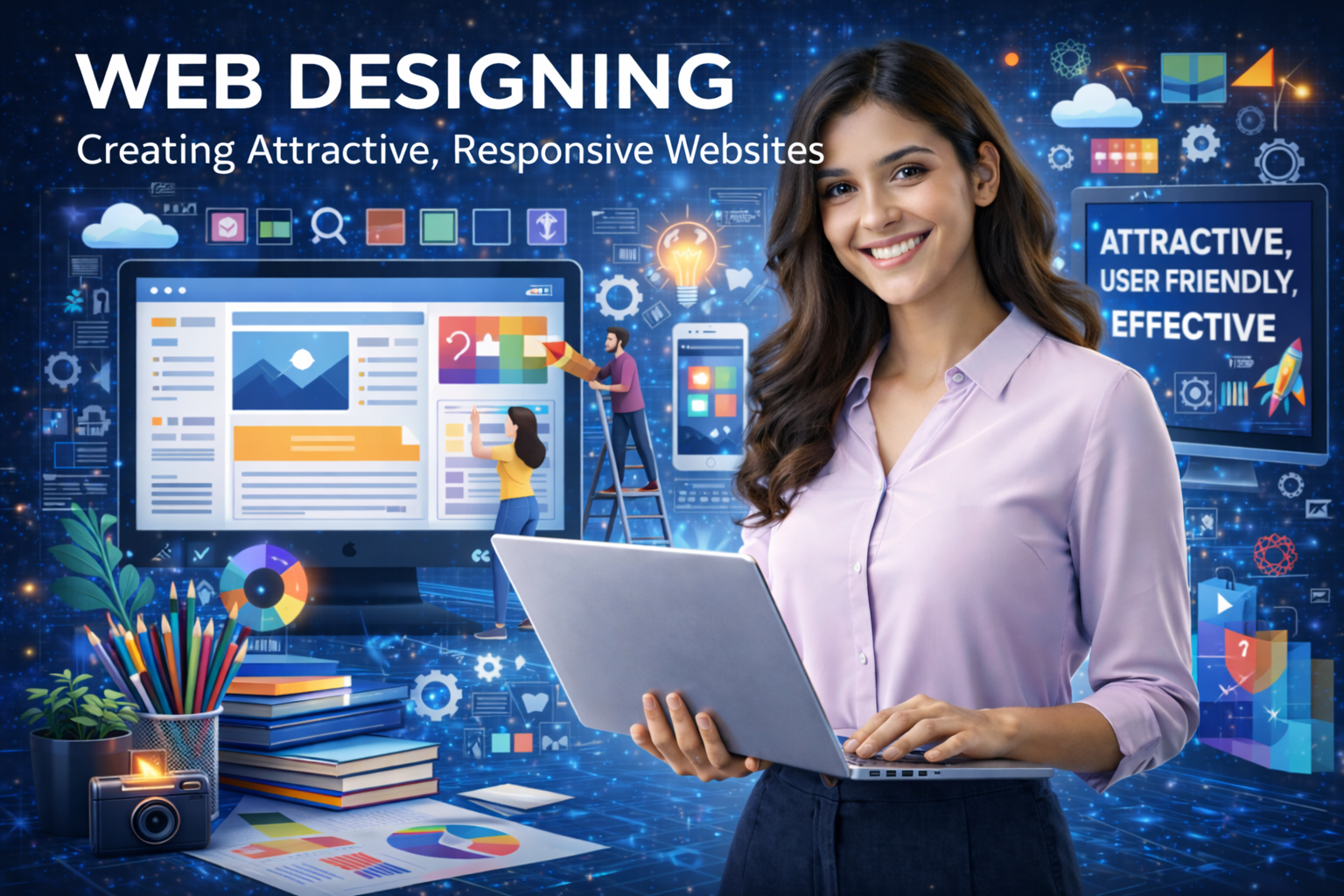
Web Designing

Course Overview

Design interfaces that feel effortless and intuitive with balanced usability

At Utkaarsh Education, the Web Designing course aims at helping students to comprehend and learn about planning, and designing. Also, understanding how the websites of today are experienced by its users.

Practical learning forms the core of this Web Designing course, hence students will not only be learning concepts but also implementing them through web design. The course also includes the utilization of software such as Figma to make effective designs.

This course covers various elements of designing websites, such as layout, colour scheme, typography, and UX/UI. After the course completion, students will be able to design websites and create a portfolio of designs that can help them in securing jobs or even freelancing as a Web Designer.

What You Will Be Learning

You will master basic skills in designing websites, from layout to typography, visual hierarchy, and some small design touches that give an excellent appearance to your work.

Design clean, modern websites with Figma, a web application that is utilized extensively by professionals working for giants such as Uber, Airbnb, and Microsoft.

Next comes implementation of your design into a live website through Webflow, which is a no-code website builder used by major companies such as Adobe and Dell.

The most important part is that you’ll learn practical freelancing skills and learn all about pricing your design work and making money online.

Why Choose Utkaarsh Education for Web Designing

  • Curriculum Based on Industry Requirements
    The course is structured based on industrial requirements rather than conventional theories. It equips you with the skills the industry expects from web designers.
  • Training by Industry Experts
    You will be trained by experts and professionals who have worked on successful projects in the past. So, they will ensure to train you with a practical approach.
  • Hands-on Practice with Live Projects
    Not only theoretical knowledge but you will also get practical training by working on live projects that will surely enhance your portfolio.
  • Career Assistance and Placement Support
    We offer you career assistance where we help you in resume writing, preparing for interviews, and providing you with job opportunities.
  • Freelancing & Job Opportunities
    Apart from designing, you will also learn freelancing and how to generate income as well as get jobs from different sectors.

Industry-Recognized

Get certified with skills that employers actively seek

Expert Instructors

Learn from industry professionals with 10+ years experience

Hands-On Projects

Build real-world projects to strengthen your portfolio

Career Support

Get placement assistance and career guidance

Your Instructor

Expert Faculty

10+ Years Experience

Industry Professional

Available Batches

Morning Batch

9:00 AM - 12:00 PM

Evening Batch

8:00 PM - 10:00 PM

What You'll Learn

Master in-demand data skills with our practical, industry-focused curriculum designed to get you job-ready.

Figma

A cloud-based UI/UX design tool used for creating website layouts and prototypes.

Adobe XD

A powerful tool for designing and prototyping user interfaces for websites and apps.

Adobe Photoshop

Used for creating website graphics, banners, and UI elements with high precision.

Visual Studio Code

A lightweight and fast code editor used for writing HTML, CSS, and JavaScript.

WordPress

A popular content management system for building websites without heavy coding.

Canva

An easy-to-use tool for designing website visuals like banners and social media graphics.

Course Curriculum

A structured learning path designed to take you from basics to advanced topics.

Topics Covered:
  • Conceptualizing design as a tool of solving business problems
  • Understanding Product Requirement Documents
  • Determining use gaps, assumptions and edge cases in PRDs
  • Aligning user needs with business goals
  • Defining the metrics of success- conversion, retention, engagement
  • Knowledge of product lifecycle and decision-making

Topics Covered:
  • User research- Interviews, surveys, insights
  • Developing behavioural segments and user personas
  • How to mapping user flows and journeys
  • Information architecture and content structuring
  • Introduction to UX analytics tools such as Hotjar, Google Analytics
  • Using heatmaps and session recordings for insights
  • Basics of A/B testing outcomes and design
  • Designing with data, rather than assumptions

Topics Covered:
  • Quickly exploring ideas on low-fidelity wireframes
  • Designing layouts and navigation systems
  • Designing wireframes in Figma
  • Quick prototyping and testing the usability
  • Iterating prototypes based on feedback and data
  • Importance of validating ideas before moving to high-fidelity UI

Topics Covered:
  • Auto Layout- Advanced responsive behaviour
  • Figma Variables- Light/dark mode systems
  • Systems of components and scalable user interfaces
  • Building production-ready interfaces
  • Designing with consistency and constraints

Topics Covered:
  • How to design scalable design systems
  • Design tokens- Space, colour, typography systems
  • Creating libraries and reusable parts
  • How to create responsive and adaptive design (mobile to desktop to large screens)
  • Changing elements across devices- Tables, dashboards
  • Maintaining consistency across large-scale products

Topics Covered:
  • Designing interactive prototypes with high fidelity
  • Conditional logic and expressions in Figma
  • Simulation of real product behaviour- Filters, counters, flows
  • Creating microinteractions and transitions
  • Creating realistic, product-like prototypes
  • Testing usability with interaction flows

Topics Covered:
  • Doing developer handoff using Figma Dev Mode
  • Knowledge of Storybook and component libraries
  • Design tokens for developers
  • Designing within technical constraints- React, Flutter basics
  • Avoiding non-buildable or impractical UI
  • Working with developers in an effective way
  • Branching and versioning in Figma

Topics Covered:
  • User testing and behaviour simulation using AI
  • Automating design documentation using AI
  • Rapid UX validation with AI
  • Improving workflows using AI-based design tools
  • Learning about constraints and ethical use of AI

Topics Covered:
  • SaaS and dashboard design- Data heavy interfaces
  • UX optimisation for e-commerce and conversion
  • Fintech UX- Trust, security, clarity
  • Creating complex workflow and enterprise products
  • Addressing and solving domain-specific UX challenges

Topics Covered:
  • Composing case studies that are business-oriented
  • Justifying design decisions using data and logic
  • Preparing executive-level presentations- Notion / Slides
  • Impact measurement that is conversion improvement, retention
  • Presenting design decisions to stakeholders
  • Professional critique and iteration

Topics Covered:
  • Attending live critique- mentor + peer review
  • Presenting work in a design jury format
  • Working in Agile/Scrum environments
  • Working with product developers and product managers
  • Dealing with feedback and pressure in the real world
  • Scheduling timelines and delivery in sprints

Topics Covered:
  • Complex real-world problems
  • Logistics dashboard, Fintech onboarding, SaaS administration panel
  • End-to-end application of UX research, UI design, system design, and testing
  • Mentor reviews and critique (weekly)
  • Final presentation and defence- Jury-based evaluation
  • Creating portfolio-ready, high-impact case study
  • Developing full developer handoff documentation- not only Figma link
  • Documenting spacing systems and design tokens
  • Dealing with edge cases- Loading states, empty states, error states
  • Documenting interaction behaviour, transitions, and component states- Default, hover, active, disabled

Who Can Master This Course?

Perfect for ambitious individuals ready to launch or upgrade their career.

Students & Freshers

Kickstart your career with high-demand skills.

Working Professionals

Upskill to transition into better roles & salary.

Career Switchers

Transition into tech from non-tech backgrounds.

Entrepreneurs

Make data-driven decisions for business growth.

Career Opportunities

Roles you can target after this course.

Web Designer Front-End Developer Web Developer Responsive Web Designer WordPress Developer E-commerce Website Designer Graphic & Web Designer Website Maintenance Specialist Freelance Web Designer

Ready to Start Your Journey in Web Designing?

Join our expert-led offline batches and master high-demand skills with 100% practical training. Fill out the form and our career advisor will get in touch shortly.

100% Practical Training
Industry Expert Trainers
Career & Placement Support

Request a Free Career Demo

WhatsApp